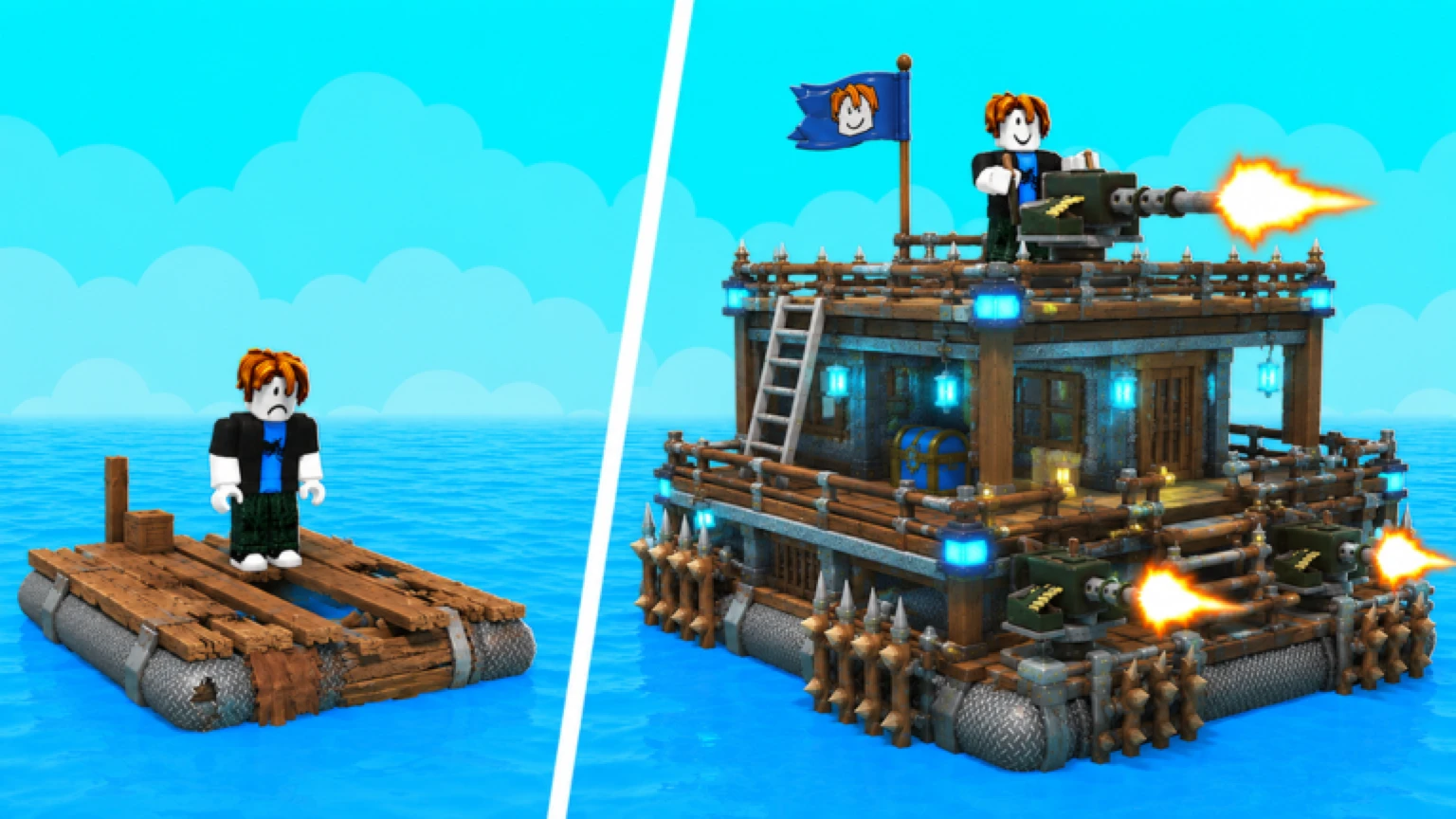
Two emergency buttons can save your raft: Lock Raft and Shield. They look similar and do very different things — and both punish you for panicking at the wrong moment. Here’s what each one actually does.
Lock Raft
Locking your raft makes it immune to attack and boarding while active.
- Stops incoming cannon fire and keeps raiders off your deck.
- It does not last forever. Locks expire and re-enter cooldown — attackers openly plan around it: “he’s got a lock… but not for long.” Treat it as a pause button, not an invincibility cloak.
- Exact duration and cooldown numbers are not published; from combat footage it’s a short window measured in seconds of protection per cooldown cycle.
- You can waste it. New players hit Lock the moment a scary raft sails past, then get attacked minutes later with the button still cooling down. It is a common enough mistake that “wasted my lock” is a rite of passage.
Use Lock when:
- A raid starts and you’re mid-build or mid-harvest.
- You’re escaping a losing fight and need the pursuer to disengage.
- You’re logged on but AFK at an island stop.
Don’t Lock when:
- You’re the raider (it signals fear and accomplishes nothing).
- The fight is already won.
Shield
The Shield is a deployable force field that blocks attacks — most notably cannon fire — while it’s up.
- It is a separate button from Lock Raft; they can be part of the same defense plan (Shield the raft, Lock if boarding starts).
- It can be moved and repositioned like a build piece — keep it deeper in the raft, not on the bow where boarding hands find it.
- You can accidentally activate it and burn its window (reported by multiple players) — check before blaming the game when shots still land.
- One-minute shield: every player gets brief spawn protection when joining a server. Use it to orient, not to attack.
The panic-button hierarchy
When a raid starts, in order:
- Drive. Moving changes everything — cannon accuracy drops on moving targets and the dev team has observed damage landing harder while moving. Escape beats fight for most rafts.
- Shield if cannons are already hitting you.
- Lock only if boarders are on the deck or you need 30 uninterrupted seconds to finish an upgrade.
- Fight or flee — but never all four at once.
Known quirks
- Buttons live in the HUD near your hotbar; on mobile they’re tap targets — the September 1 patch fixed several mobile building bugs, so if your build menu misbehaves mid-shield, update first.
- Lock and Shield do not protect you from sharks — the ocean doesn’t care about your force field.
Related pages
- Best defense guide — making raids not happen at all
- Cannons guide — the firepower your shield protects
- How to raid — how attackers time your cooldowns